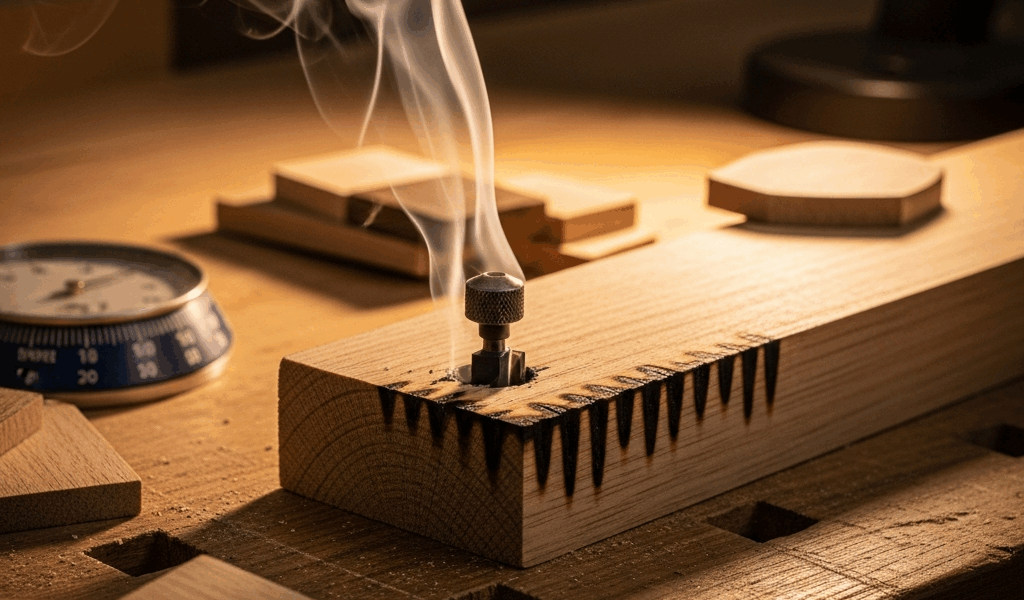
Why Your Router Bit Is Burning the Wood
Router bit burning has gotten complicated with all the conflicting advice flying around online. Dull bits. Wrong speeds. Bad wood. Everyone’s got a theory.
As someone who’s torched more than a few board feet chasing down burn marks in my own shop, I learned everything there is to know about this particular headache. Today, I will share it all with you.
Here’s the actual truth: there are exactly three reasons a router bit burns wood. Not ten. Not some mystery lurking in your lumber species. Three.
The bit is dull. The RPM is wrong for the bit size. Or you’re feeding too slowly — letting friction do the damage instead of the cutting edge doing its job. That’s it.
Burned edges look almost identical regardless of which problem caused them. But the fixes point in completely different directions. Feed rate too slow? Speed up. RPM too high? Slow down. Dull bit? Replace it. You need to know which one you’re actually dealing with before you spend a dime or change a single setting.
Here’s the quick diagnostic: look at where the burn actually appears. Burn marks on the face of the wood usually mean the bit is dull or RPM is running too low. Burns concentrated at edges or on routed profiles? You’re moving too slowly. Black char on the trailing edge of a cut almost always points straight to feed rate. And if the bit still looks shiny and sharp under decent light, RPM is your suspect.
Thirty seconds with this decision tree saves hours of guessing. So, without further ado, let’s dive in.
Check Your Bit First — Dull Edges Burn Every Time
But what is a “dull” router bit, exactly? In essence, it’s a cutting edge that’s lost enough geometry to grind rather than shear wood fibers cleanly. But it’s much more than that — because a bit can look dull without actually being dull, and that distinction cost me an entire afternoon once.
Frustrated by persistent burn marks, I replaced the same router bit three times in one afternoon before finally holding the original up under a proper shop light. It was caked with pitch and resin buildup — looked completely shot. Wasn’t. That pitch made a perfectly sharp carbide edge appear ruined. Cleaned it off with a rag and some Krud Kutter and it cut beautifully. Don’t make my mistake.
When a bit genuinely dulls, though, physics takes over fast. Dull edges create friction instead of cleanly shearing fibers. Friction generates heat. Heat burns. Simple, painful, repeatable.
You can spot real dulling two ways — visually and by feel.
Visually: hold the bit under a bright shop light or even your phone’s flashlight. A sharp carbide edge catches light in a thin, almost invisible line. A dull edge shows a thick, reflective band along the cutting face. Unmissable once you know what you’re looking for. If you see that band, the bit has dulled enough to burn.
By feel: feed wood into a dull bit and you’ll know immediately. Heavy resistance. The router bogs down audibly. Sometimes a higher-pitched whine as the motor strains against material it should be slicing through. A sharp bit feels almost eager — wood flows into it with minimal pressure. That’s the difference between cutting and grinding.
Carbide bits last roughly three to four times longer than HSS before dulling noticeably. A 1/2-inch roundover bit in carbide runs about $12 to $18. HSS runs $4 to $6. If you’re routing more than a few board feet regularly, carbide pays for itself quickly. Most home shops run carbide and replace when dulled rather than bother sharpening.
Professional sharpening runs about $8 to $15 per bit — but turnaround can stretch to a week. Honestly, buying a fresh bit of the same profile is usually faster and often cheaper once you factor in shipping.
Feed Rate Is the Most Common Mistake
You’re going too slow. Probably should have opened with this section, honestly.
Slow feed rate is the number-one cause of burn marks I see in hobbyist shops — by a wide margin. Router bits spin anywhere from 3,000 to 24,000 RPM depending on the machine and the bit. When you creep the wood through, that spinning edge dwells on one spot long enough to char it thoroughly.
Think of it like sanding. Linger with sandpaper in one spot and you’ll burn through finish and into bare wood within seconds. Move steadily and you’re fine. Routers work exactly the same way.
The counterintuitive part: going faster produces cleaner results. A smooth, confident feed rate leaves a burnished surface that needs almost no cleanup. A hesitant, nervous feed leaves char marks that need hours of sanding. That’s what makes feed rate so endearing to us woodworkers — once you trust it, everything gets easier.
How fast is fast enough? There’s no single number, because it varies with bit profile, wood species, router power, and setup. Practically speaking: if you feel nervous about the speed, you’re too slow. If the bit bogs down audibly, you’re too fast. The sweet spot lives between “calm, steady pressure” and “hearing the motor strain.”
For a 1/2-inch roundover or straight bit in softwood with a mid-size palm router — something like a Bosch PR20EVS — eight to twelve inches per minute works well as a starting point. Hardwood or larger bits, drop closer to six inches per minute. Those are guidelines, not gospel. The real feedback is the sound and feel of the cut. Smooth motor tone, light pressure, clean edge — you’ve found it.
Match Your RPM to the Bit Diameter
Larger bits spinning at high RPM generate too much heat. The math is straightforward: as diameter grows, surface speed at the cutting edge increases dramatically — so RPM has to drop to keep heat under control.
A 1/4-inch bit runs happily at 24,000 RPM. A 2-inch bit at that same speed? Dangerously hot and mechanically unstable. Same router. Completely different settings required.
Here’s the practical rule of thumb: small bits under 1 inch run at 18,000 to 24,000 RPM. Medium bits from 1 to 1.5 inches drop to 12,000 to 18,000 RPM. Large bits at 2 inches and above need 8,000 to 12,000 RPM. Some edge-profiling bits larger than 2.5 inches need to go even lower — sometimes down to 6,000 RPM.
Most fixed-base routers have a speed dial numbered 1 through 5 or marked with RPM ranges. Set it before powering on — always. A plunge router typically shows the range marked along the side column. Use the conservative end for larger bits and hardwoods. It’s not timid; it’s correct.
I’m apparently hard on trim routers — I’ve owned a DeWalt DW660Z for years and it works for me while slower machines never feel right. But trim routers max out around 30,000 RPM, and even tiny bits can overheat if feed rate is sluggish. Trim routers are fast machines and they demand fast feeding to match. If yours is burning, speed up the feed before touching anything else.
Quick Fixes to Try Before Your Next Pass
Stop routing. Do three things in this exact order:
- Clean the bit with pitch remover — Krud Kutter or Murphy’s Oil Soap on a rag works fine. Resin and pitch buildup genuinely mimics dulling. If the bit is actually sharp underneath all that gunk, you’ve just saved yourself $15 and a trip to the hardware store.
- Check the RPM dial. Running a large bit over 1.5 inches? Dial it down to 12,000 RPM or lower before your next pass. Smaller bits can stay high.
- Increase your feed rate. Stop babying the wood through. Feed with calm, steady confidence — roughly twice as fast as currently feels natural to you.
For profiles and edge work specifically: take multiple shallow passes instead of routing full depth in one shot. A 1/4-inch deep pass at a confident feed rate leaves cleaner edges than a 1/2-inch deep cut every single time — regardless of how careful and slow you go on that deep pass.
Mark your test piece. Make one pass with the new settings. Check the edge. No burn? You’ve found the fix. Still burning? Run through the diagnostic again. The problem is definitively one of those three causes — dull bit, wrong RPM, slow feed. You will solve it on the next pass.



Stay in the loop
Get the latest wood working workshop updates delivered to your inbox.